What to Do When Your Xiaomi Laptop Can’t Connect to Bluetooth?

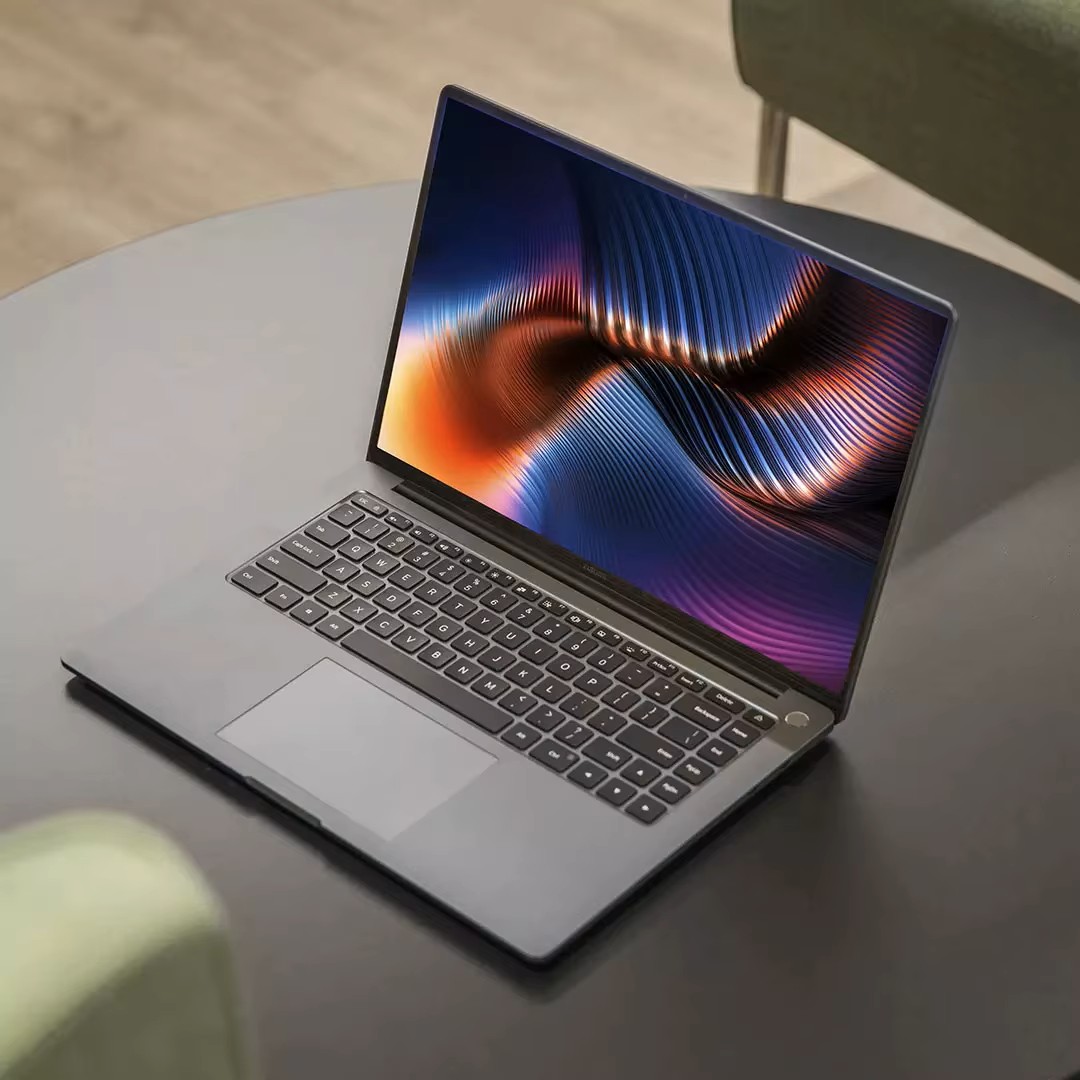
What to Do When Your Xiaomi Laptop Can’t Connect to Bluetooth

Bluetooth is one of those features you don’t think about—until it stops working. Whether you’re trying to connect wireless headphones, a mouse, or transfer files, a broken Bluetooth connection can be frustrating. If you’re using a Xiaomi laptop and suddenly find that Bluetooth won’t connect, don’t worry. This guide walks you through practical steps to fix the issue and get your devices talking again.

Start with the obvious: is Bluetooth actually turned on?

It sounds basic, but it’s the first thing to check. On most Xiaomi laptops running Windows, you can:

  • Click the Bluetooth icon in the taskbar or go to Settings > Devices > Bluetooth & other devices
  • Make sure the toggle is set to “On”
  • If you don’t see the toggle, your Bluetooth driver may be missing or disabled

Also, check Airplane Mode—if it’s on, Bluetooth will be off too.

Try these quick fixes before diving deeper

If Bluetooth is enabled but still not working, try the following:

  • Restart your laptop: A simple reboot can fix temporary glitches
  • Remove and re-pair the device: Go to Bluetooth settings, remove the device, and reconnect
  • Check battery levels: Low battery on your headphones or mouse can prevent pairing
  • Use the troubleshooter: In Windows, search for “Bluetooth troubleshooter” and follow the prompts

Dig into driver and hardware issues

If the problem persists, it might be deeper than a simple toggle. Xiaomi laptops use Intel or Realtek Bluetooth modules, and outdated or corrupted drivers can cause failures. Here’s what to do:

  • Open Device Manager and expand Bluetooth
  • Right-click your Bluetooth adapter and choose Update driver
  • If that doesn’t help, uninstall the driver and restart your laptop—Windows will reinstall it automatically
  • Visit Xiaomi’s official support site to download the latest drivers for your model

Some users report that after a Windows update, Bluetooth stops working until the driver is manually reinstalled. This is especially common on models like the Xiaomi Notebook Pro 15 or RedmiBook 14.

Consider external factors and advanced fixes

Sometimes the issue isn’t your laptop—it’s interference or compatibility. For example:

  • USB 3.0 ports can interfere with Bluetooth signals. Try unplugging nearby USB devices
  • Third-party antivirus software may block Bluetooth services
  • BIOS settings: In rare cases, Bluetooth can be disabled at the BIOS level. If you’re comfortable, check your BIOS settings during startup

If you’ve recently installed new software or changed system settings, consider rolling back or restoring to a previous point.

Keep your system healthy to avoid future issues

Bluetooth problems are often a symptom of broader system instability. To prevent future headaches:

  • Keep Windows and drivers updated
  • Avoid installing unknown Bluetooth utilities or drivers from unofficial sources
  • Use Xiaomi’s built-in system diagnostics or apps like Mi Smart Manager to monitor hardware health
  • If Bluetooth fails repeatedly, consider using a USB Bluetooth dongle as a backup

With regular maintenance and smart troubleshooting, your Xiaomi laptop should stay connected and reliable.

How to Take Care of Your Xiaomi Robot Vacuum Battery (Without Losing Your Mind)

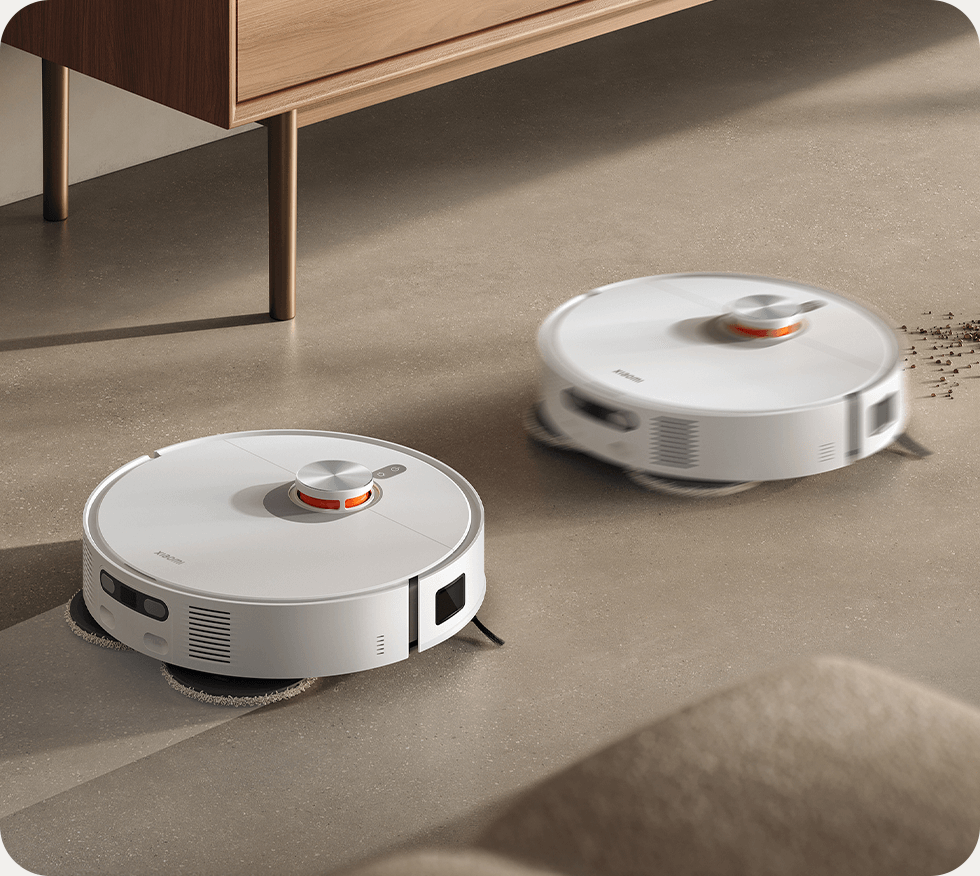
How to Take Care of Your Xiaomi Robot Vacuum Battery (Without Losing Your Mind)

Xiaomi robot vacuums like the X20 Pro, Mi Robot Vacuum Mop 2 Ultra, and Mop 2S have become household staples for busy families and tech-savvy homeowners. They glide across floors, dodge furniture, and even mop on command. But behind all that smart cleaning power is a battery that quietly does the heavy lifting. If you want your robot to keep working like new, battery care isn’t optional—it’s essential.

Let’s walk through how to keep your Xiaomi vacuum’s battery healthy, avoid common problems, and know when it’s time for a replacement.

Start with the basics: what kind of battery are we dealing with?

Most Xiaomi robot vacuums use lithium-ion batteries. These are lightweight, fast-charging, and offer solid runtime—often up to 180 minutes on models like the X20 Pro. They also come with built-in protection boards to prevent overcharging and overheating. That said, lithium batteries don’t last forever. After 500–800 charge cycles, performance starts to dip. Knowing this helps you set realistic expectations and build better habits.

Daily habits that make a big difference

Battery care isn’t complicated—it’s about consistency. Here are a few things you can do:

  • Dock smartly: Always return the vacuum to its charging dock after use, but don’t leave it plugged in for weeks without activity.
  • Mind the environment: Keep the dock in a cool, dry place. Heat and humidity are battery killers.
  • Clean the contacts: Once a month, wipe the metal charging pins on both the vacuum and dock with a dry cloth.
  • Avoid deep discharge: Don’t wait until the battery hits 0%. Recharge when it drops below 20–30%.

What to do when things go wrong

Even with good habits, issues can pop up. Some users report their Xiaomi vacuum won’t charge, shuts off mid-clean, or won’t turn on after storage. Common culprits include:

  • Dirty or misaligned charging contacts
  • Battery lock triggered by deep discharge
  • Faulty power adapter or dock

If your vacuum isn’t charging, try cleaning the contacts, using the original charger, and letting it sit docked for 30 minutes. For models like the Mop 2 Pro+, battery lock can be tricky—sometimes requiring a full reset or professional help.

Knowing when it’s time for a new battery

No battery lasts forever. Here’s how to tell if yours is on its way out:

  • Short runtime: If your vacuum used to clean for 2 hours and now barely lasts 30 minutes, that’s a red flag.
  • Slow charging: Taking 5+ hours to charge is a sign of degradation.
  • Random shutdowns: If the vacuum powers off mid-clean or won’t start at all, the battery may be failing.

Newer models like the X20 Pro have more integrated designs, making DIY battery replacement harder. If you’re not comfortable opening the unit, it’s best to contact Xiaomi support or a certified technician.

Long-term strategy: keep it clean, keep it charged

Battery care is part of overall vacuum maintenance. Here’s a checklist to keep things running smoothly:

  • Recharge monthly if the vacuum is in storage
  • Avoid using the vacuum on wet surfaces
  • Keep firmware updated for better battery management
  • Use official accessories whenever possible

Whether you own a $200 Mop Lite or a $900 X20 Pro, these habits help you get the most out of your investment.

Popular Xiaomi Models and Common Issues

  • X20 Pro: Excellent mapping and mopping, but battery lock issues after long storage
  • Mop 2 Ultra: Strong suction, but runtime drops after 18–24 months
  • Mop 2S: Budget-friendly, but sensitive to charging dock alignment
  • Mop Essential: Great for small spaces, but limited battery capacity

Where is the cheapest place to get a battery?

The cheapest place to get a battery depends on several factors, such as the type, size, brand, and capacity of the battery, as well as the location and availability of the sellers.

Cheap battery online

Compare the prices and features of different batteries online. You can also read reviews and ratings from other customers to get an idea of the quality and performance of the batteries.

Check the compatibility of the battery with your device before buying. For laptops and cellphones, you can look at the model number and specifications of your device and compare them with the battery details.

Look for discounts, coupons, and offers from various sellers. Some sellers may also offer free shipping or installation services for batteries.

Avoid buying fake or counterfeit batteries that may damage your device or pose a fire hazard. You can check the authenticity of the battery by looking at the hologram sticker, serial number, or QR code on the battery. You can also verify the warranty and return policy of the seller in case of any issues.

I hope this information helps you find the cheapest place to get a battery for laptop or cellphone.

Here, we provide products for your reference:

FIMI GH3DC01FM 1050mAh/7.77Wh 7.4V

SONY Z52H 55mAh/0.21Wh 3.85V

XIAOMI H18650CH-4S1P 2600mAh/36Wh 14.4V

MOTOROLA NP44 4400mAh/17.12WH 3.89V

LIANKAI 454973 1500mAh/11.1WH 7.4V

HUAWEI HB4692Z9ECW-41 3665mAh/56Wh 15.28V

GETAC GKIDT-03-17-3S2P-0 8200mAh/93.48Wh 11.4V

MEDICAL BA-P200 6.8Ah/98Wh 14.4V

ZENIPOWER Z55H 70MAH 3.85V

SAMSUNG EB-BF712ABY+EB-BF711ABY 930mAh/3.6WH 2370mAh/9.19WH 3.88V

CANON NP-E3 2200mAh/26.4WH 12V

HUAWEI HB896487ECW 8000mAh/30.56WH 3.82V

SEIKO 3023-24H 5.5mAh 1.5V

UMIDIGI S5-PRO 4680mAh/18.02WH 3.85V

INNO LBT-52 5200mAh/57.72Wh 11.1V

KYOCERa SCP-73LBPS 1720mAh/6.6WH 3.8V

Oppo BLP811 2100mAh/16.25WH 7.74V

Iridium BAT0602 2800mAh 3.7V

Vsun SATURN 3000mAh/11.4WH 3.8V

DOOGEE BAT18M710080 10080mAh/38.30WH 3.8V

Hezhong BA7800 8000mAh/30.4Wh 3.8V

Nokia BL-T5A 2100mAh/7.8WH 3.7V

Nikon EN-EL4A 2500mah 11.1V

McNair MLP4795117-2P 15000mAh 3.7V

Garmin 361-00043-00 700mAh/2.59Wh 3.7V

Amazon 58-000271 1500mAh/5.7Wh 3.8V

ECOVACS M26-4S1P 2800mAh/45.8Wh 14.8V

Jumper NV-2874180-2S 5000MAH/38WH 7.6V

Lenovo 01AV441 3290mAh/52Wh 15.2V

Apple 616-00357 1821mah/6.96Whr 3.82V


What is an ergonomic mouse and keyboard – and what are the health benefits?

What is an ergonomic mouse and keyboard – and what are the health benefits?

An ergonomic mouse and keyboard are devices that are designed to fit the natural shape and posture of your hand, wrist, and arm. They can help you reduce the strain and discomfort that may result from using a conventional mouse and keyboard for long periods of time. Some of the health benefits of using an ergonomic mouse and keyboard are:

They can improve your posture by allowing you to keep your wrist, elbow, and shoulder in a more neutral position. This can prevent you from twisting or bending your joints in unnatural ways that can cause pain and inflammation.
They can avoid pressure on the wrist by supporting your hand at an angle. This can reduce the risk of compressing the nerves and tendons that run through the underside of your wrist, which can lead to conditions such as carpal tunnel syndrome, mouse arm syndrome, or repetitive strain injury.
They can reduce unwanted muscle activity by minimizing the movement and force required to operate the mouse and keyboard. This can lower the fatigue and tension that you may feel in your hand, arm, and shoulder muscles after a long day of work.
Using an ergonomic mouse and keyboard can make you more comfortable, productive, and healthy when you work or play on your computer. There are different types and models of ergonomic mouse and keyboard available, so you can choose the one that suits your preferences and needs best. Some examples are:

A vertical mouse like the Logitech Ergo K860 or the Logitech Lift Vertical Ergonomic Mouse, which allows you to hold the mouse with a handshake grip.
A trackball mouse like the Logitech MX Ergo, which lets you control the cursor with a large ball that you can roll with your thumb.
A split keyboard like the Microsoft Sculpt Ergonomic Desktop or the Cloud Nine ErgoTKL, which separates the keys into two sections that you can adjust to fit your natural hand position.
A curved keyboard like the Logitech Wireless Keyboard K350 or the Microsoft Ergonomic Keyboard, which follows the contour of your fingers and reduces the distance between the keys.

How to choose the right battery to compatible with the device?

That depends on the type and voltage of the battery, as well as the device you are using it with. Different batteries have different capacities, which measure how much energy they can store and deliver. Capacity is usually expressed in milliampere-hours (mAh) or watt-hours (Wh). A higher capacity battery can power a device for longer, but it may also be heavier or larger than a lower capacity battery.

The capacity of the battery is not the only factor that determines compatibility. You also need to consider the voltage, which measures how much electrical force the battery can provide. Voltage is usually expressed in volts (V). A higher voltage battery can deliver more power, but it may also damage a device that is designed for a lower voltage. You should always use a battery that has the same voltage as the original one, or one that is within the acceptable range of the device.

Another factor that affects compatibility is the battery chemistry, which refers to the type of materials and reactions that produce electricity in the battery. There are different types of battery chemistries, such as lithium-ion (Li-ion), nickel-metal hydride (NiMH), nickel-cadmium (NiCd), lead-acid, and alkaline. Each type of battery has its own advantages and disadvantages, such as performance, lifespan, cost, safety, and environmental impact. You should always use a battery that has the same chemistry as the original one, or one that is compatible with the device.

Finally, you need to consider the size and shape of the battery, which determine how well it fits in the device and how easy it is to insert and remove. Some batteries have unique shapes and sizes that are designed for specific devices or brands. For example, some cordless power tools use batteries that have integrated electronics or features that prevent them from being used with other brands or models. You should always use a battery that has the same size and shape as the original one, or one that is compatible with the device.

To summarize, you can use a different capacity battery as long as it has the same voltage, chemistry, size, and shape as the original one, or one that is compatible with the device. However, you should be aware of the trade-offs between capacity and weight or size. You should also check the user manual or manufacturer’s website for more information on battery compatibility.

There are many battery shops that do online shopping, here are some of the top ones:

Battery CLUB: This website offers a wide range of batteries, chargers, and accessories for various devices and applications. You can find batteries for cameras, laptops, cellphone, medical device, smartwatch, and more.

They also have a 30-day guarantee and a friendly customer service.

logo - How to choose the right battery to compatible with the device?
batteryclub

How to Improve the Performance of Your Dell Laptop Battery

Laptop batteries are essential for portable computing, but they can also degrade over time and with use. If you want to extend your Dell laptop battery life and performance, here are some tips and tricks you can try.

Change or adjust the power plan in Windows 11
Windows 11 offers different power plans that can balance performance and energy consumption on your laptop. To improve laptop battery life on Dell, you can choose the Best power efficiency option using the Power mode setting. Here are the steps to do that:

Open Settings.
Click on System.
Click the Power & battery page on the right side.
Under the “Power” section, choose the “Best power efficiency” option using the “Power mode” setting.
After you complete the steps, the system will implement policies to favor battery life rather than performance.

Dim your screen brightness and turn off Bluetooth when not needed
One of the biggest factors that affect battery life is the screen brightness. The brighter your screen is, the more power it consumes. To save battery power, you can dim your screen brightness to a comfortable level. You can also turn off Bluetooth when you are not using it, as it can also drain your battery.

To adjust your screen brightness and Bluetooth settings, you can use the quick actions in the Action Center. You can access the Action Center by clicking on the icon in the lower-right corner of your taskbar. Alternatively, you can use the keyboard shortcut Windows key + A.

Use the power saver mode and battery saver settings in Windows 11
Windows 11 also has a power saver mode that can help you extend your laptop battery life by reducing some features and functions that are not essential. To enable power saver mode, you can follow these steps:

Open Settings.
Click on System.
Click the Power & battery page on the right side.
Under the “Battery” section, turn on the toggle switch for “Power saver mode”.
You can also customize the battery saver settings to suit your preferences. For example, you can set a battery level threshold for when power saver mode turns on automatically, or choose which apps can run in the background when power saver mode is on.

To access the battery saver settings, you can follow these steps:

Open Settings.
Click on System.
Click the Power & battery page on the right side.
Under the “Battery” section, click on “Battery saver settings”.
Close any unnecessary programs and limit your wireless use
Another way to improve your laptop battery life is to close any programs that you are not using or that are running in the background. These programs can consume CPU and memory resources, which in turn can affect your battery performance.

To close any unnecessary programs, you can use the Task Manager. You can access the Task Manager by right-clicking on an empty space in your taskbar and selecting “Task Manager”. Alternatively, you can use the keyboard shortcut Ctrl + Shift + Esc.

In the Task Manager, you can see which programs are running and how much resources they are using. You can sort them by CPU, memory, disk or network usage by clicking on the corresponding column header. To close a program, you can right-click on it and select “End task”.

You can also limit your wireless use to save battery power. Wireless connections such as Wi-Fi and cellular data can consume a lot of power, especially when they are weak or unstable. To limit your wireless use, you can turn off Wi-Fi or cellular data when you are not using them, or switch to a lower bandwidth mode if possible.

To manage your wireless connections, you can use the quick actions in the Action Center or go to Settings > Network & internet.

Check your battery health status and use a compatible battery purchased from Dell
Finally, you can also improve your laptop battery life by checking your battery health status and using a compatible battery purchased from Dell. The battery health status can tell you how much capacity your battery has left compared to its original capacity when it was new.

Introduction to mAh on Batteries

Batteries are essential for powering many devices, such as smartphones, laptops, cameras, and electric vehicles. But how do you know which battery is suitable for your device? One of the key factors to consider is the mAh rating of the battery.

What is mAh?
mAh stands for milliampere-hour, which is a unit of electric charge. It measures how much current a battery can provide for one hour. For example, a battery with a 2000 mAh rating can supply 2000 milliamperes (or 2 amperes) of current for one hour, or 1000 milliamperes for two hours, and so on.

The mAh rating of a battery indicates its capacity, or how long it can last before it needs to be recharged. The higher the mAh rating, the longer the battery life. However, the actual battery life also depends on other factors, such as the voltage of the battery and the power consumption of the device.

How to choose the best device by mAh?
When choosing a device that uses batteries, you should compare the mAh ratings of different options. For example, if you are looking for a smartphone, you should look for one that has a high mAh rating, such as 4000 mAh or more. This means that the smartphone can last longer without needing to be plugged in.

However, you should also consider the size and weight of the device. A higher mAh rating usually means a larger and heavier battery. Therefore, you should balance your preference for battery life and portability. You may not want to carry a bulky device that has a long battery life but is inconvenient to use.

Does higher mAh always mean better performance?
The answer is not necessarily. As mentioned earlier, the mAh rating only tells you how long a battery can last, not how much power it can deliver. The power output of a battery depends on its voltage, which is measured in volts (V). The higher the voltage, the more power the battery can provide.

For example, a 12V battery with a 1000 mAh rating can deliver 12 watts of power (12V x 1A = 12W), while a 6V battery with a 2000 mAh rating can only deliver 12 watts of power (6V x 2A = 12W). Therefore, even though the 6V battery has a higher mAh rating, it does not perform better than the 12V battery.

Another factor that affects the performance of a battery is its internal resistance, which is measured in ohms (Ω). The internal resistance is the opposition to the flow of current within the battery. The higher the internal resistance, the more energy is lost as heat and the less power is delivered to the device.

Therefore, when choosing a battery for your device, you should not only look at the mAh rating but also at the voltage and internal resistance. You should also check if the battery is compatible with your device’s specifications and requirements.

Toshiba Satellite Pro R50 – A Reliable and Affordable Laptop for Professionals

The Toshiba Satellite Pro R50 is a 15.6-inch laptop that is designed for professionals who need a reliable, affordable, and easy-to-use device for everyday work. The laptop offers a solid performance, a decent keyboard, and a good battery life, making it a suitable choice for office tasks, web browsing, and multimedia consumption.

Toshiba Satellite Pro R50 – A Reliable and Affordable Laptop for Professionals

laptop 10000 300x300 - Toshiba Satellite Pro R50 - A Reliable and Affordable Laptop for Professionals
Laptop

The Toshiba Satellite Pro R50 comes with various configurations and options, depending on the market and the model. The most common configuration features an Intel Core i3 or i5 processor from the Skylake generation, 4 GB or 8 GB of RAM, a 500 GB or 750 GB hard disk drive, and an integrated Intel HD Graphics 520. The laptop also comes with Windows 10 Pro or Windows 7 Professional operating system, depending on the preference of the user.

The Toshiba Satellite Pro R50 has a simple and elegant design, with a black plastic casing that has a textured finish on the lid and the palm rest. The laptop has a sturdy build quality, with no major flaws or weaknesses. The laptop is not very thin or light, but it is still portable enough to carry around. The laptop measures 24 mm in thickness and weighs 2.1 kg.

The Toshiba Satellite Pro R50 has a 15.6-inch display that has a resolution of 1366 x 768 pixels. The display has a matte surface that reduces glare and reflections, but it also has a low brightness, contrast, and color accuracy. The display is suitable for basic tasks and casual entertainment, but it is not ideal for professional work that requires high-quality visuals.

The Toshiba Satellite Pro R50 has a full-size keyboard that has a number pad and a comfortable layout. The keyboard has a decent feedback and travel distance, but it also has a slight flex and noise. The keyboard is suitable for typing and data entry, but it is not very impressive or enjoyable. The laptop also has a large touchpad that supports multi-touch gestures and has two physical buttons. The touchpad has a smooth surface and a good responsiveness, but it also has a low precision and accuracy.

The Toshiba Satellite Pro R50 has a good selection of ports and connectivity features. The laptop has four USB ports (two USB 2.0 and two USB 3.0), an HDMI port, a VGA port, an Ethernet port, an audio jack, an SD card reader, and an optical drive. The laptop also has dual-band Wi-Fi, Bluetooth 4.0, and a webcam. The laptop does not have any advanced features such as fingerprint scanner or backlit keyboard.

The Toshiba Satellite Pro R50 has a decent performance that can handle most common tasks and applications without any major issues or delays. The laptop can run office programs, web browsers, media players, and some light games smoothly and reliably. However, the laptop is not suitable for demanding tasks such as video editing, graphic design, or gaming, as it lacks the power and the graphics capabilities to handle them.

The Toshiba Satellite Pro R50 has a good battery life that can last for up to six hours on a single charge, depending on the usage and the settings. The laptop has a removable battery that can be easily replaced or upgraded if needed. The laptop also has an energy-saving mode that can extend the battery life further.

The Toshiba Satellite Pro R50 is a reliable and affordable laptop that can meet the needs of professionals who need a basic device for everyday work. The laptop offers a solid performance, a decent keyboard, and a good battery life, but it also has some drawbacks such as a low-quality display, a noisy keyboard, and a lack of advanced features. The laptop is suitable for users who value functionality over style or quality.

Here, we provide other products for your reference:

Toshiba PA5212U-1BRS 2800mAh/45Wh 14.8V

HUAWEI MateBook: A Laptop Brand for Your Needs

If you are looking for a laptop brand that can offer you high-performance, stunning display, and smart features, you might want to consider HUAWEI MateBook as one of your options. HUAWEI MateBook is a series of laptops that are designed to meet your needs for work, entertainment, and creativity. In this article, we will introduce you to some of the products, features, and benefits of HUAWEI MateBook laptops.

What Products Does the Laptop Brand HUAWEI MateBook Series Have?

HUAWEI MateBook series includes various products that cater to different users and scenarios. Some of the categories of HUAWEI MateBook laptops include:

  • MateBook X Series: These are ultra-thin and lightweight laptops that offer a stunning 14.2-inch 3.1K FullView display, a skin-soothing metallic body, and a super device feature that allows seamless cross-device collaboration.
  • MateBook Series: These are powerful and versatile laptops that feature a 2.5K True Colour Touch Display, an 11th Gen Intel® Core™ Processor, and a smart office feature that enhances your productivity and efficiency.
  • MateBook E Series: These are flexible and portable 2-in-1 laptops that can be used as a tablet or a laptop, depending on your needs. They have a 12.6-inch FullView display, a detachable keyboard, and a magnetic stylus.
  • MateBook D Series: These are affordable and reliable laptops that offer a large screen-to-body ratio, a high refresh rate display, and a durable design. They are ideal for everyday use and entertainment.

Why Are HUAWEI MateBook Products Popular?

HUAWEI MateBook products are popular because they offer several features and benefits that make them stand out from other laptop brands. Some of these features and benefits include:

  • Performance: HUAWEI MateBook laptops have powerful processors, graphics cards, memory, and storage that can handle various tasks smoothly and efficiently. They also have advanced cooling systems that prevent overheating and noise.
  • Display: HUAWEI MateBook laptops have high-resolution displays that offer vivid colours, wide viewing angles, and eye comfort modes. They also have narrow bezels and high screen-to-body ratios that provide immersive visual experiences.
  • Design: HUAWEI MateBook laptops have sleek and elegant designs that are made of premium materials and craftsmanship. They also have ergonomic features such as fingerprint power buttons, backlit keyboards, touchpads, and speakers.
  • Battery: HUAWEI MateBook laptops have large-capacity batteries that can last for hours on a single charge. They also support fast charging technology that can charge up to 50% in 30 minutes. Moreover, they have smart power management features that optimize the battery performance and extend its lifespan.

What Are the Best-Selling Models of HUAWEI MateBook?

Some of the best-selling models of HUAWEI MateBook are:

  • 14.2-inch MateBook X Pro: This is the flagship model of HUAWEI MateBook X series that offers a stunning 3.1K FullView display with touch screen functionality, a skin-soothing metallic body with diamond-cut edges, and a super device feature that allows seamless cross-device collaboration.
  • 16-inch MateBook 16s: This is the latest model of HUAWEI MateBook series that offers a large 16-inch 2.5K True Colour Touch Display with professional-level colour accuracy, an 11th Gen Intel® Core™ Processor with Iris® Xe Graphics for powerful performance, and a smart office feature that enhances your productivity and efficiency.
  • 12.6-inch MateBook E: This is the flexible model of HUAWEI MateBook E series that offers a 12.6-inch FullView display with touch screen functionality, a detachable keyboard with magnetic docking mechanism, and a magnetic stylus with pressure sensitivity.

Conclusion

HUAWEI MateBook is a laptop brand that offers high-performance, stunning display, and smart features. It has various products that cater to different users and scenarios, such as ultra-thin laptops, powerful laptops, flexible laptops, and affordable laptops. Some of its best-selling models are the 14.2-inch MateBook X Pro, the 16-inch MateBook 16s, and the 12.6-inch MateBook E. If you are looking for a laptop brand that can meet your needs for work, entertainment, and creativity, you might want to consider HUAWEI MateBook as one of your options.

Here, we provide other products for your reference:

HUAWEI HB5781P1EEW-31A 5195mAh/60Wh 11.5V

HUAWEI HB30C4J7ECW-21 4780mAh/36.33WH 7.6V

Huawei HB46K497ECW 3700mAh/42.2Wh 11.4V

Huawei HB4593R1ECW 7410mAh/56.3Wh 7.6V

HUAWEI HB4593J6ECW 2700mAh/10.3WH 11.4V

Craftsman: A Trusted Power Tool Brand for Your Projects

If you are looking for quality and high-performance power tools to get your projects done, you might want to consider Craftsman as one of your options. Craftsman is a power tool brand that has been in the industry since 1927 and has a reputation for reliability and innovation.

What Products Does Craftsman Have?

Craftsman offers a wide range of power tools and accessories for various applications, such as woodworking, metalworking, automotive, construction, and more. Some of the categories of Craftsman power tools include:

Air compressors and air tools: These include air nailers, air hoses, fittings, and other accessories that can help you with fastening, inflating, painting, and sanding tasks.
Batteries and chargers: These include lithium-ion batteries and chargers that are compatible with the Craftsman V20* system of cordless power tools.
Combo kits: These include sets of cordless power tools that can help you save money and complete multiple projects with one purchase.
Cordless nailers: These include brad nailers, finish nailers, framing nailers, and staplers that can help you with carpentry, flooring, roofing, and upholstery projects.
Drills: These include corded and cordless drills and drivers that can help you with drilling holes and driving screws in various materials.
Grinders: These include angle grinders and bench grinders that can help you with cutting, grinding, polishing, and sharpening tasks.
Heat guns: These include corded and cordless heat guns that can help you with stripping paint, bending pipes, shrinking tubing, and more.
Impact drivers and wrenches: These include corded and cordless impact drivers and wrenches that can help you with fastening bolts, nuts, screws, and other hardware in tight spaces.
Lighting: These include flashlights, headlamps, work lights, and other lighting products that can help you illuminate your work area.
Oscillating multi-tools: These include corded and cordless oscillating multi-tools that can help you with cutting, scraping, sanding, grinding, and more tasks with different attachments.
Radios and speakers: These include radios and speakers that can help you enjoy music or listen to news while working.
Saws: These include chop saws, circular saws, jig saws, miter saws, oscillating saws, reciprocating saws, scroll saws, table saws, tile saws, and more that can help you with cutting various materials in different shapes and sizes.
Screwdrivers and screw guns: These include corded and cordless screwdrivers and screw guns that can help you with driving screws in various materials.
Vacuums: These include cordless vacuums and wet/dry vacuums that can help you with cleaning dust and debris from your work area.
Woodworking tools: These include planers, sanders, and other woodworking tools that can help you with smoothing, shaping, and finishing wood.

Why Are Craftsman Products Popular?

Craftsman products are popular because they offer several features and benefits that make them stand out from other power tool brands. Some of these features and benefits include:

Quality: Craftsman products are made of durable materials and undergo rigorous testing to ensure they meet high standards of performance and safety.
Innovation: Craftsman products are designed to provide more runtime, power, and speed than other products with brushed motors, thanks to their brushless RP™ technology. They also have features such as variable speed control, tool-free blade change, depth adjustment, and more to enhance user convenience and efficiency.
Versatility: Craftsman products are compatible with the V20* system of cordless power tools, which allows users to use the same battery and charger for different tools. They also have a variety of accessories and attachments that can expand their functionality and adaptability for different projects and materials.

Here, we provide other products for your reference:

CRAFTSMAN CMCB6075 5.0Ah 60V

CRAFTSMAN CMCB6050 5.0Ah 60V