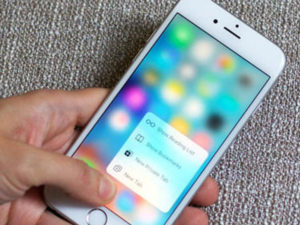
1. When the phone is locked, the user can Hold down the home button of the phone to start the phone’s voice system. At this time, the touch function is restored. After waiting for a while, you can find that the phone’s touch screen has been restored.
2. You can wait until the phone is almost out of power, and it will enter the state of automatic shutdown. This is to charge the phone. After turning on the phone, the touch screen function can be restored.
3. You can connect your mobile phone to iTunes, and then upgrade your Apple system
4. You can double-click the home button of your mobile phone to exit all the programs in the background of the mobile phone. This is also a way to solve the problem of the mobile phone screen.
5. You can Hold down the power button of your mobile phone, and then Hold down the home button of your mobile phone so that you can return to the home screen of the mobile phone, and you can solve the problem of the mobile phone screen.